IAM Best Practices: How AWS Access Risk Quietly Grows
A quick look at how AWS IAM permissions can quietly grow over time, and what teams can check to reduce unnecessary access risk.
Most AWS access problems do not start with a major mistake.
Usually, it starts with something small.
A developer needs urgent access.
A service needs new permissions.
A temporary fix is added during an incident.
Everything works, so everyone moves on.
But over time, those small decisions quietly increase exposure.
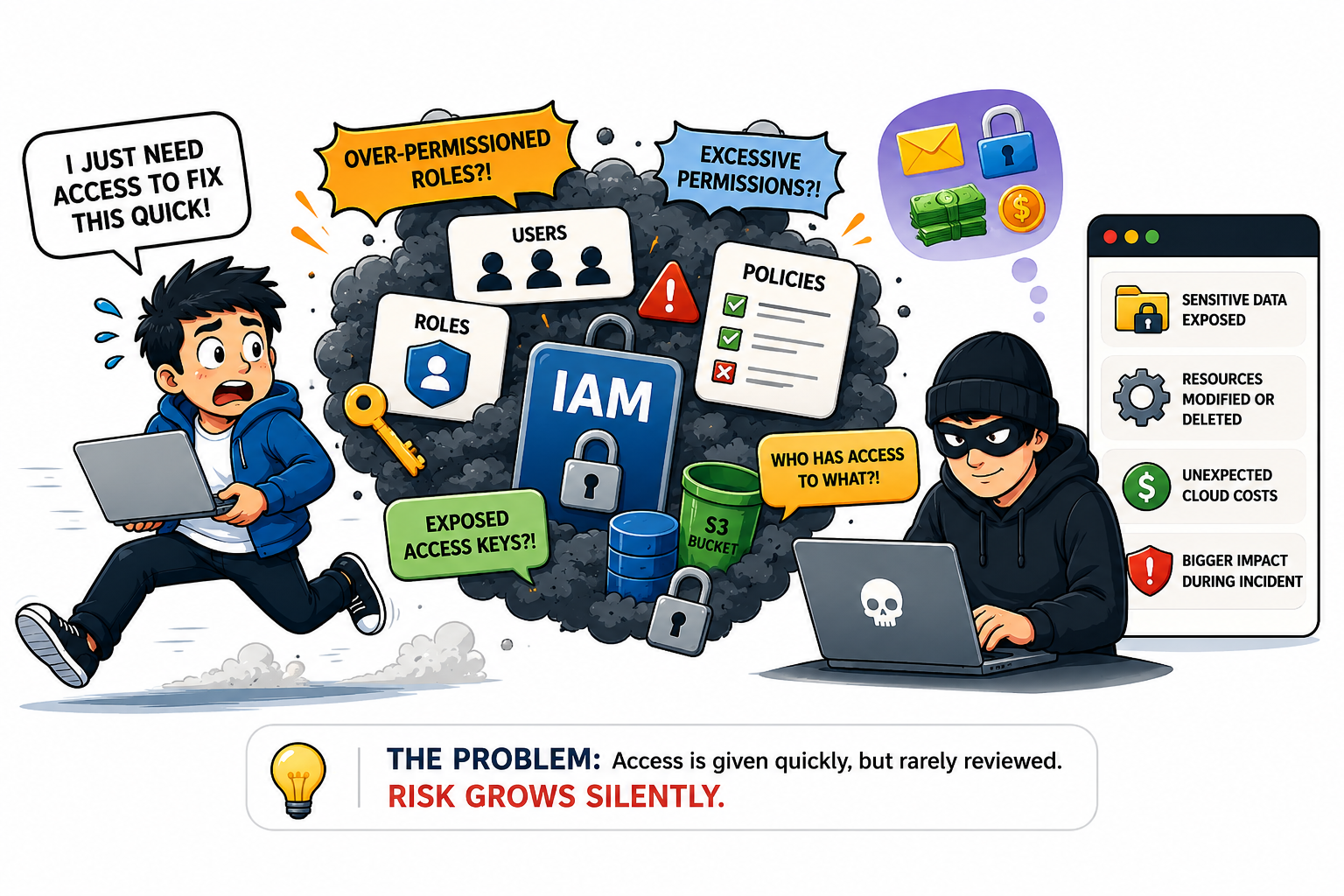
An account still has admin access.
A role has more permissions than it needs.
An old access key is still active.
A temporary change was never removed.
That is usually how IAM exposure grows.
Where Things Usually Go Wrong
AWS IAM is not only about giving access.
It is also about controlling:
- who has access,
- what they can do,
- and whether that access is still needed.
The problem is that permissions often stay longer than expected.
A role created for one project gets reused for another.
Temporary access becomes permanent.
Nobody checks the old access keys anymore.
And after a while, nobody is fully sure who still has access to what.
That is usually where the risk starts.
A Few Things That Actually Help
1. Use roles instead of long-term access keys
Access keys are easy to create.
The problem is they are also easy to forget about later.
For AWS workloads, IAM roles are usually safer because they provide temporary credentials instead of permanent ones.
2. Keep permissions smaller
It is common to give broad permissions just to make things work quickly.
But broad access also increases impact if the identity gets compromised.
If read access is enough, avoid giving full admin access.
3. Enable MFA for important accounts
Passwords alone are not enough for critical access.
Especially for:
- console users,
- admin accounts,
- and sensitive environments.
MFA adds another layer that can help stop simple attacks.
4. Review permissions regularly
IAM permissions quietly grow over time.
A temporary permission stays active.
A role gets reused.
An old account is never removed.
Regular reviews help catch these before they become bigger problems.
5. Monitor access activity
Visibility matters.
Unused users, old access keys, and unusual activity are usually easier to fix early — before they turn into incidents.
Why This Matters
IAM risk usually grows quietly over time.
A temporary fix becomes permanent.
A role gets reused because it is convenient.
An access key stays active because nobody reviewed it again.
If the wrong identity is compromised, broad permissions can quickly lead to:
- exposed data,
- modified resources,
- deleted systems,
- or unexpected cloud costs.
30-Second Audit
Before adding more permissions, ask:
- Who still has access to this environment?
- Do they actually need all the permissions they have?
- Are there old or unused access keys still active?
- Is MFA enabled for important accounts?
- When was this access last reviewed?
If nobody is really sure, that is usually a good place to start.
Final Thought
IAM problems usually do not appear overnight.
They build slowly through small decisions that were never reviewed again.
The longer access goes unchecked, the larger the potential impact becomes.
Need a Quick IAM Review?
Not sure:
- who still has access,
- whether permissions are too broad,
- or if unused credentials are still active?
A quick IAM review can help identify access that may no longer be needed.
support@skybit.cloud
skybit.cloud
Skybit Tech Bytes: The AWS Security Series
- Building a Secure Foundation
- Managing the Front Door
- Who Holds the Keys? (IAM) (Reading Now)
..png)